

1. Scan any page
Click the PicBrewery icon on any website. The extension finds images in HTML, CSS backgrounds, picture/srcset, and video posters.
Open any website and click the PicBrewery icon to analyze images on that page.
Try it now — open a site and click the extension icon
Free Chrome extension that scans any webpage, scores image weight, and shows how much faster the page would load with lighter images — then optimize in PicBrewery.

Click the PicBrewery icon on any website. The extension finds images in HTML, CSS backgrounds, picture/srcset, and video posters.
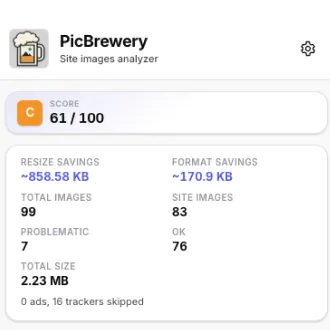
Get a letter grade (A+ to F), total image weight, and estimated page load time on 3G, 4G and WiFi — now vs. with lighter images.
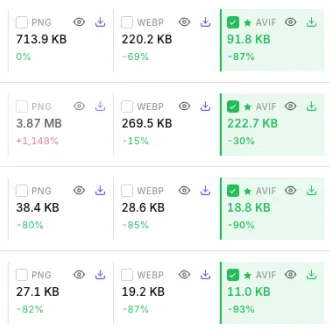
Send up to 20 problematic images to PicBrewery — processed entirely in your browser, no upload to our servers.